How can Synology NAS synchronize the Calendar and Contacts in Outlook 2019/2021 (Office 365)?
If you own a Synology NAS, you're likely aware that it comes loaded with a variety of server software, including calendar and contact servers. If you're wondering how to sync your Synology CardDAV and CalDAV servers with Microsoft Outlook, you're in the right place.
Synchronizing Synology CardDAV and CalDAV has always been a pain.. Because of the out dated information documented in the Synology KB, and correct port and URL is never revealed clearly. Luckily, EVO collaborator has successfully discovered the latest working PORT and URL for both CardDAV and CalDAV on Synology, let's do it.


Synology NAS uses port 8008 for CardDAV service.

Synology NAS uses port 5000 for CalDAV calendar service.

Edit the user account who will use these services, make sure calendar application is ticked.


Open these 2 ports in your router's port mapping settings.


These settings are usually located in NAT or Virtual Servers section.

Now open https://www.evomailserver.com/ to download the contacts and calendars synchronization add-in. EVO Collaborator for Outlook.

Download EVO Collaborator for Outlook and install it.

Install it

Open Outlook (classic), click EVO ribbon tab, sometimes it maybe hidden, expand the tool bar in this case.

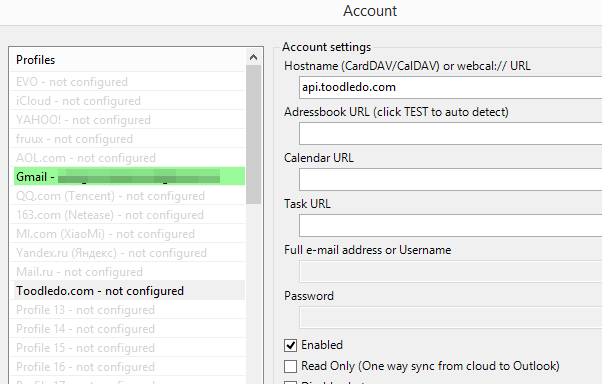
Click Configure Profile.

Click profile 21.

Enter your url and port 8008 like http://domain:8008
Then enter username and password.

Click test, and apply then quit.

If everything is correct, ECO will start to sync your Synology Contacts and Calendars with Outlook.

.svg.png "Google Calendar")